


Button PCB: Tactile, Membrane and Capacitive Design
A Board That Is Also a User Interface
Most circuit boards carry components and route signals. A button board does that and something more: it is the physical interface between a person and a product. The switch, the dome, the touch pad or the printed membrane is integrated into the board itself, which means the electrical design and the mechanical feel have to be developed together. A button that works electrically but feels wrong, or that wears out after a few thousand presses, is a design failure regardless of how clean the schematic is.
Button boards appear wherever a product needs input in a small volume: remote controls, control panels, wearables, industrial interfaces and automotive switchgear. The category has its own conventions because the constraints are different from those of a conventional board.
The Three Constructions
Tactile switch boards. Mechanical switches are soldered to the board and give a distinct click and travel. This is the construction for game controllers, remote controls and any product where the user needs to know a press has registered. It is the most robust option and the easiest to specify, because the switch is a purchased component with a datasheet.
Membrane button boards. A multilayer film construction with conductors printed in conductive ink, giving a flat panel with printed graphics. Membrane panels are used for flat control surfaces where a sealed, wipe-clean front is more important than tactile feedback, and they are common in appliances and industrial equipment.
Capacitive touch boards. No moving parts. The board carries sensing pads, and a controller detects the change in capacitance when a finger approaches. Touch is used where the design needs a smooth, sealed surface with no gaps for water or dust, which is why it dominates smart appliances and automotive panels.
The choice between mechanical and capacitive is usually resolved by two questions. Does the user need physical confirmation of the press, which favours mechanical. And does the product need a sealed, flat front surface, which favours capacitive. Some products use both, with a capacitive surface and a haptic actuator to restore the feedback that touch removes.
Contacts, Materials and Press Life
Press life is decided largely by the contact surfaces. Gold plating is the standard for reliable, low and stable contact resistance over a long life, and it is used where the switch is expected to operate hundreds of thousands or millions of times. Carbon ink printing is the economical choice for membrane panels, where the contact resistance is higher but adequate and the cost is much lower. The dome or switch element selected sets the force and travel characteristics, and those have to match the material and thickness they sit on.
A typical tactile switch is rated between one hundred thousand and one million operations, depending on its construction and the environment. That figure is the design target for the mechanical system around it, which means the board underneath has to hold the switch plane flat, keep the pad geometry consistent and resist the repeated load without delaminating.
Layout and Ergonomics
Button layout is a human factors problem as much as a layout problem. Spacing has to suit the size of the finger or thumb that will operate it, so that adjacent buttons are not pressed by accident, and the force and travel have to suit the muscle group involved. A control panel operated with a fingertip and a handheld controller operated with a thumb have very different comfortable spacings.
For capacitive designs, the electrical layout adds constraints. Sensing pads need consistent size and shape, the trace routing from pad to controller should be short and matched, and the area around the pad has to be kept clear of copper that would change the baseline capacitance. A ground plane directly beneath a touch pad increases the parasitic capacitance and reduces sensitivity, which is why touch layouts often break the plane under the pads. Backlighting, where fitted, adds an optical layer and its own placement constraints.
Sealing and Protection
Buttons are where the environment gets in. A panel with moving parts has gaps; a capacitive panel has none, which is one of its principal advantages. Where mechanical buttons are exposed, protection comes from the design around them: conformal coating on the board, silicone sealing over the switch, or a protective film across the panel. Achieving an ingress protection rating is a system level task that includes the board, the coating and the enclosure, and it is easier to design in from the start than to add later. Sweat, cleaning fluids and condensation are the usual threats in consumer and industrial products, and our notes on conformal coating describe the material options.
Board Type and Construction
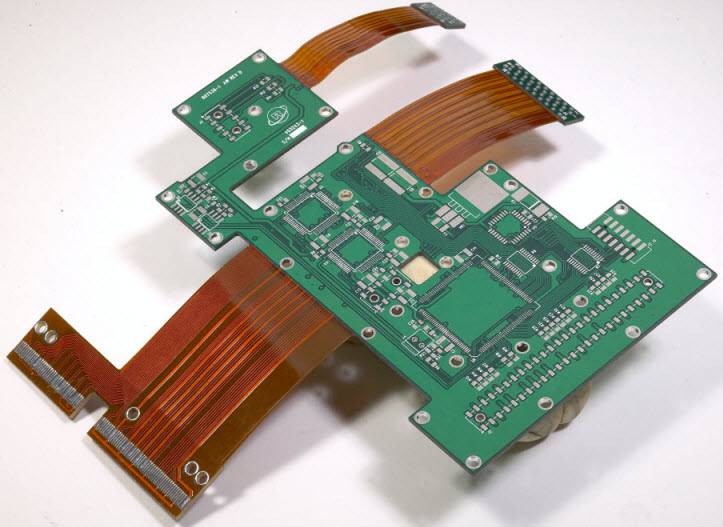
Most button boards are conventional FR-4, single sided or multilayer depending on the number of signals and the presence of backlighting. Where the product is a wearable or a curved surface, a polyimide flexible circuit is used so that the board can conform to the shape. Membrane panels are a film construction in their own right, with printed conductors rather than etched copper. Surface finish matters more than usual, because the contact areas are functional surfaces rather than merely solderable pads. The fabrication and assembly considerations for these variants are covered in our PCB manufacturing and flex PCB assembly notes, and the assembly methods in our SMT PCB assembly overview.
How a Button Board Is Made
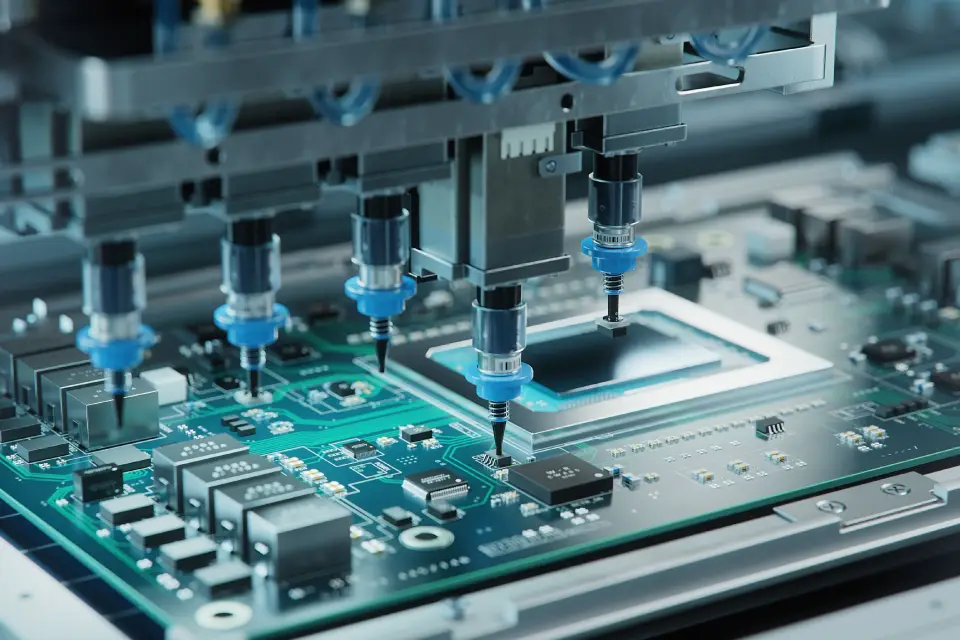
The sequence follows the button type. The circuit and the button layout are designed together in the CAD environment, and the panel format is chosen according to whether the product needs a single sided, multilayer or flexible construction. Button integration then differs by type: tactile switches are placed and soldered, while membrane and capacitive constructions use screen printing, film lamination or a printed touch layer. Assembly then places any remaining components by surface mount or through hole as the design requires. Finally the board is tested, and for button products the test list goes beyond electrical continuity to include press force, actuation life and sealing, because those are the parameters that determine whether the product feels right and keeps working.
What It Costs
As a 2026 reference, prototype quantities of one to ten pieces fall between about 1.20 and 2.50 US dollars per piece. Small batch production between one hundred and five hundred pieces runs roughly 0.70 to 1.00 dollar per piece, and volume above a thousand pieces can reach 0.30 to 0.60 dollars per piece. The drivers are the button type, since a capacitive panel with a controller costs more than a mechanical switch arrangement; the layer count and board size; added features such as LED backlighting and sealing; and whether functional testing and packaging are included. Our PCB capabilities overview sets out how these features fit within a production specification.
Choosing a Supplier
Four capabilities matter. Experience with the specific button type, whether mechanical, capacitive or a combination, because the design rules differ substantially between them. Fast prototyping, because button feel is a judgement that has to be made with a physical sample rather than a drawing. Custom development support for backlit buttons, sealed constructions and non rectangular shapes. And the certifications the target market requires, including ISO 9001, UL and RoHS, with IATF 16949 where the product is automotive.
Where the Technology Is Going
Four directions are visible. Capacitive and touch integration continues to replace mechanical buttons in products where a flat, sealed surface is valued. Flexible circuits are being used more widely as wearables and curved interfaces proliferate. Environmental requirements are pushing towards lead free and recyclable materials. And hybrid interaction, combining a touch surface with a haptic actuator or a mechanical element to restore feedback, is becoming common in premium products, because it delivers the sealed surface without losing the confirmation that users expect.
Frequently Asked Questions
Can a button board be waterproof? Yes. A capacitive panel has no gaps at all, and mechanical designs can be sealed with conformal coating, silicone overmoulding or a protective film to reach an ingress protection rating.
How long does a tactile switch last? Between one hundred thousand and one million operations for common switches, depending on the construction and the operating environment.
Tactile or capacitive? Tactile gives physical feedback and suits precise or frequent operation. Capacitive gives a smooth, sealed, easy to clean surface and suits appliances and automotive panels.
How is press force controlled? By the choice of dome or switch element, and by keeping the board flat so the switch actuates consistently across the panel.
Why does the ground plane matter under a touch pad? Because copper beneath the pad increases parasitic capacitance and reduces sensitivity, so the plane is usually relieved under sensing pads.
Conclusion
A button board is judged by how it feels and how long it lasts, so the electrical design and the mechanical design have to be developed as one. Choose the construction from the feedback and sealing the product needs, choose the contact material from the press life it has to survive, lay the buttons out around the person who will use them, and design the sealing in from the beginning rather than adding it after water gets in. Get those right and the interface disappears into the product, which is exactly what a good button should do.